One-click blur
Click any element on the page: a row, a div, a block of text. It's hidden instantly. Click again to show.
Auto-blur emails, phone numbers, API keys, and sensitive data before you present, record, or stream. All blur detection runs 100% locally in your browser.








Click an element, drag a box over it, or select just the words that matter. Set how hard the blur hits, then save the whole setup to a profile.
Click any element on the page: a row, a div, a block of text. It's hidden instantly. Click again to show.
Draw a rectangle over anything, from a chart to a whole row of tabs. Move and resize it on the fly.
Select a word or a sentence and only that range blurs, not the element around it.
Redact every tab title and favicon in one click, including the tabs you are not sharing.
Dial the blur from soft to heavy, or switch to Blackout for solid black boxes on everything you hide.
Save a setup for client calls, another for streaming, another for demos, and switch between them in a click.
Add client names, account numbers, or keywords to your list. Safe Screen Share hides them on every site you open, in page text, form fields, and tab titles. No clicking, no setup for each page.
An API key has a shape. A client's name in a support ticket does not. AI Redact uses context to find sensitive details that never match a fixed rule. All inference runs 100% locally in your browser, so page text never leaves it.
Downloaded once. Scans run locally from here on.
Escalated by on behalf of the Dover account.
NameShip the replacement to .
AddressRefund raised against after the second outage.
AccountKnows the shape of a secret.
Matches more than 50 recognizable formats: emails, phone numbers, credit cards, IBANs, SSNs, API keys, tokens, and database URLs. No model download required.
Knows what the sentence means.
Analyzes visible page text for names, addresses, account references, and other details that have no fixed format. Requires one 463 MB download and scans only when you run it.
Both are licensed features, both run 100% locally on your device, and you can run them on the same page.
Meeting Mode watches for Zoom, Google Meet, and Microsoft Teams. The moment a call opens, your blur profile snaps into place across every tab in the window. When the call ends, it drops off. Ask it first or let it act on its own.
This is perfect for online classes! I often share my screen with students and sometimes have personal tabs open.

I like the extension! As a freelancer working with sensitive client data I need to be super careful when sharing my screen.

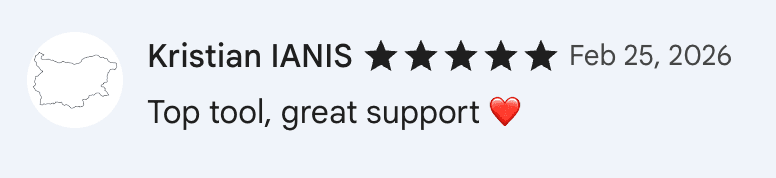
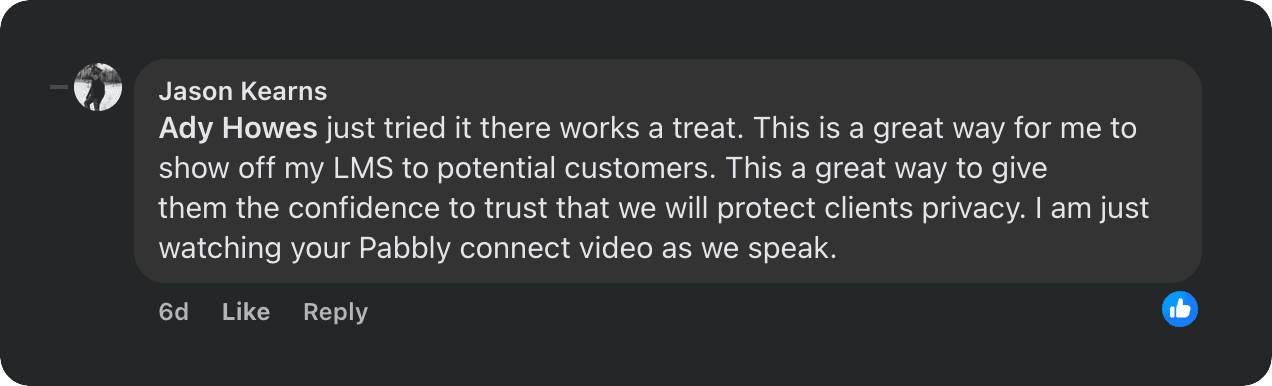
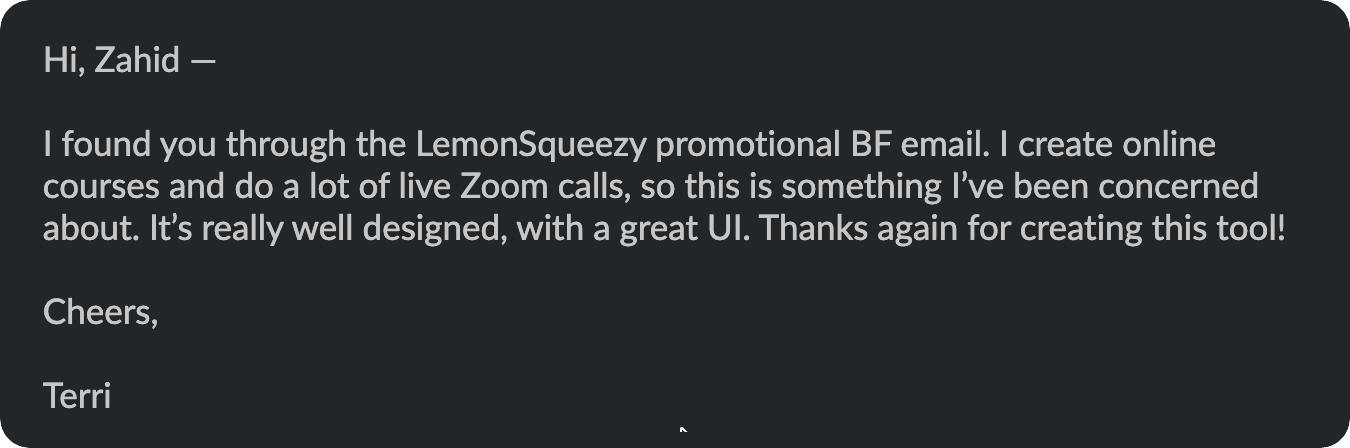
Such a practical tool for maintaining privacy and professionalism.

No subscriptions. No "Pro trial." 14-day money-back guarantee on both tiers if it doesn't earn its keep.
Perfect if you just want it to work on your machines.
For the people who live in browser tabs.
Still need help?
Install once. Forget it's there. Present like it's your second screen.
 Zoom
Zoom Google Meet
 Microsoft Teams
 Slack Huddles
 Discord
 Loom
Loom OBS Studio
 Chrome
 Edge
Edge Brave
Brave Opera
Opera Arc
Arc Vivaldi